
 happy feet
2 Answers
 Colleen

If this is concerning akaQA, it's more than likely attached to your toolbar. You would have to uninstall the toolbar to remove the application that directs you to our site via the ask a question box found on web pages or a button on the toolbar. I do not know which toolbar you have that it's attached to. If you see a green or blue Ask a Question button on your tool bar, right click on it, select show/hide, find the akaQA icon and click on it. This will deactivate ask a question (akaQA). Or to remove the toolbar, follow these steps Start menu > Control panel > add/uninstall programs > locate the toolbar, if it's Bing, it hides under the name conduit or conduit engine > uninstall
| 14 years ago. Rating: 1 | |
 eggplant

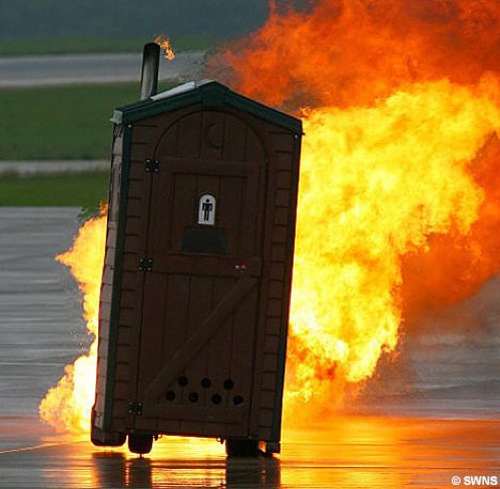 You can't it's parked in my backyard.


Top contributors in Security category
Unanswered Questions
DESA88
Answers: 0
Views: 5
Rating: 0
kailen
Answers: 0
Views: 10
Rating: 0
VIN68 Trải nghiệm giải trí
Answers: 0
Views: 9
Rating: 0
VIN68 Trải nghiệm giải trí
Answers: 0
Views: 9
Rating: 0
VIN68 Trải nghiệm giải trí
Answers: 0
Views: 7
Rating: 0
VIN68 Trải nghiệm giải trí
Answers: 0
Views: 9
Rating: 0
VIN68 Trải nghiệm giải trí
Answers: 0
Views: 11
Rating: 0
rans303id
> More questions...
Answers: 0
Views: 12
Rating: 0